Description
GF Utility is a set of efficiency tools for Gravity Forms:
- Show pages a form is embedded on
- Toggle all fields to be required (or not)
- Redact (prevent data from being stored in the database)
- Hide User-Submitted Form (and display placeholder)
- Prevent entry creation
- Send Notification when Entry Updated
- Process Feed when Entry Updated
- Manually Process an Add-On Feed
- Show the feeds that are connected to a form
Show Page with Form Embed
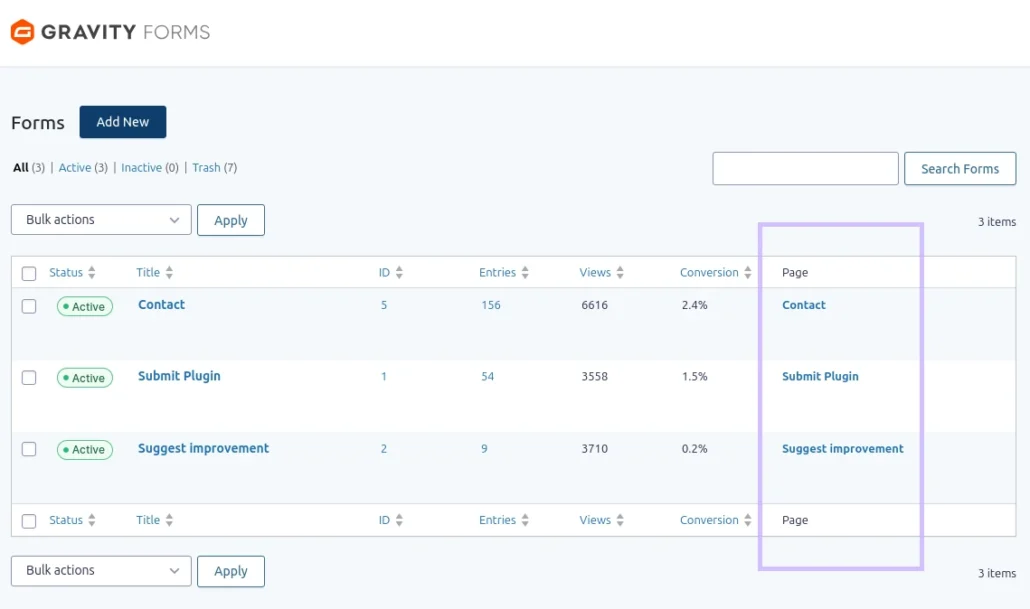
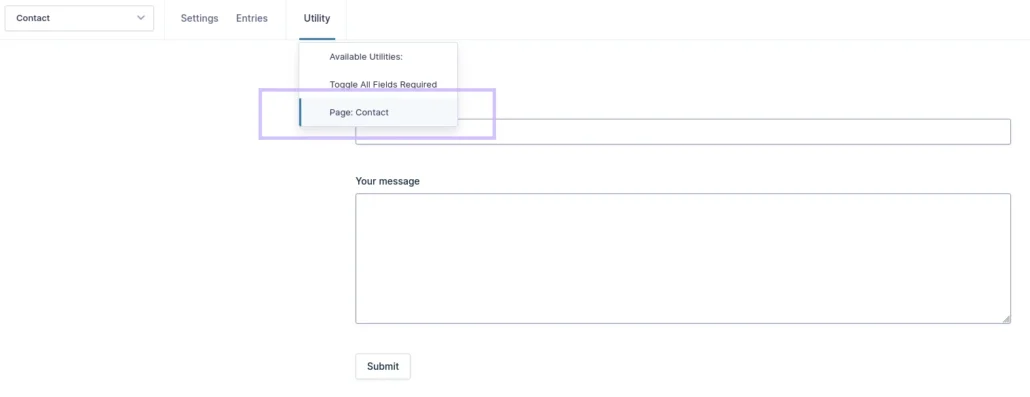
It can be hard to identify the pages on which a form is embedded. GF Utility simply shows you the pages that make use of a form. Pages are displayed on the forms overview page and in the Utility menu in the Gravity Forms toolbar menu on a forms’ settings page.
Toggle All Fields Required
In larger forms it can be convenient to turn on all fields as required an work your way back, to disable the minority of unrequired fields. Also, perhaps a more common use-case, would be to disable all required fields for testing purposes.
Redact
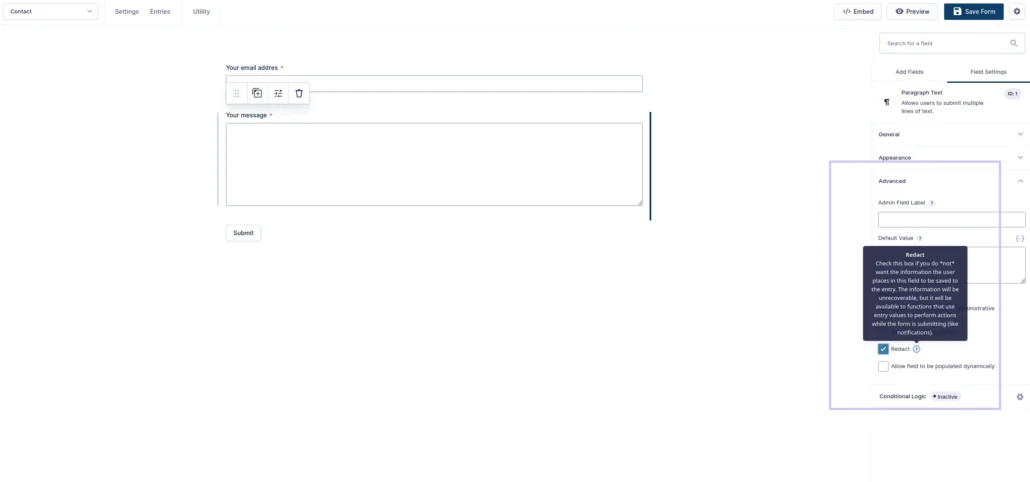
With GF Utility, each field in a form gets a “Redact” option under the fields’ “Advanced” settings. When enabling redact, you indicate that the field contents as submitted by a user, should not be stored with the entry (in the database). The data entered by the user is, however, available during the submit. This allows you to, for instance, generate emails that do contain the redacted field data.
Hide User-Submitted Form
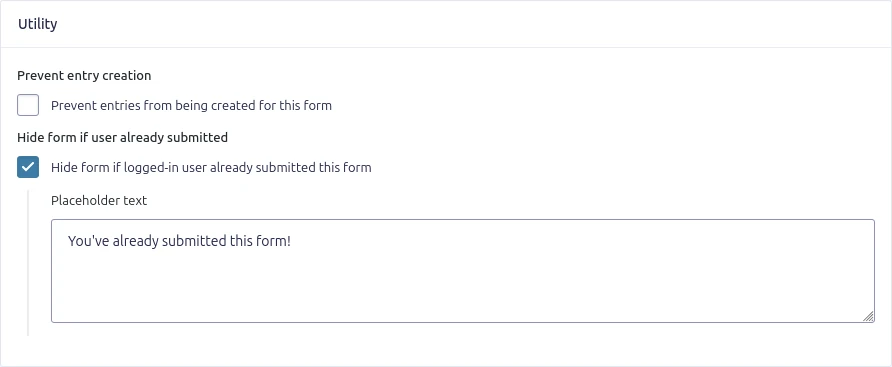
The plugin adds the option to hide a form once it has been submitted to prevent duplicate entries by the same user. Since version 2.7, the plugin also allows you to set a placeholder for when the form is not displayed..
Prevent Entry Creation
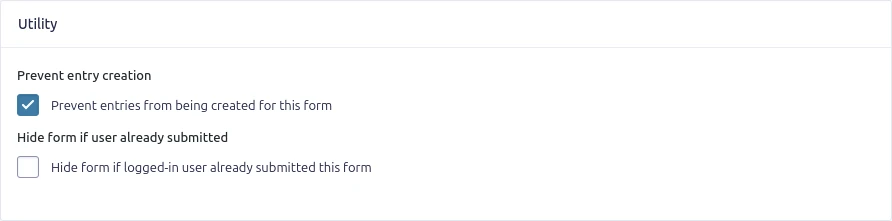
Unlike the Redact option, which works on individual fields, the Prevent Entry Creation option disables entry creation entirely. Enable this option from the GF Utility section on the form settings page.
Send Notification on Entry Update
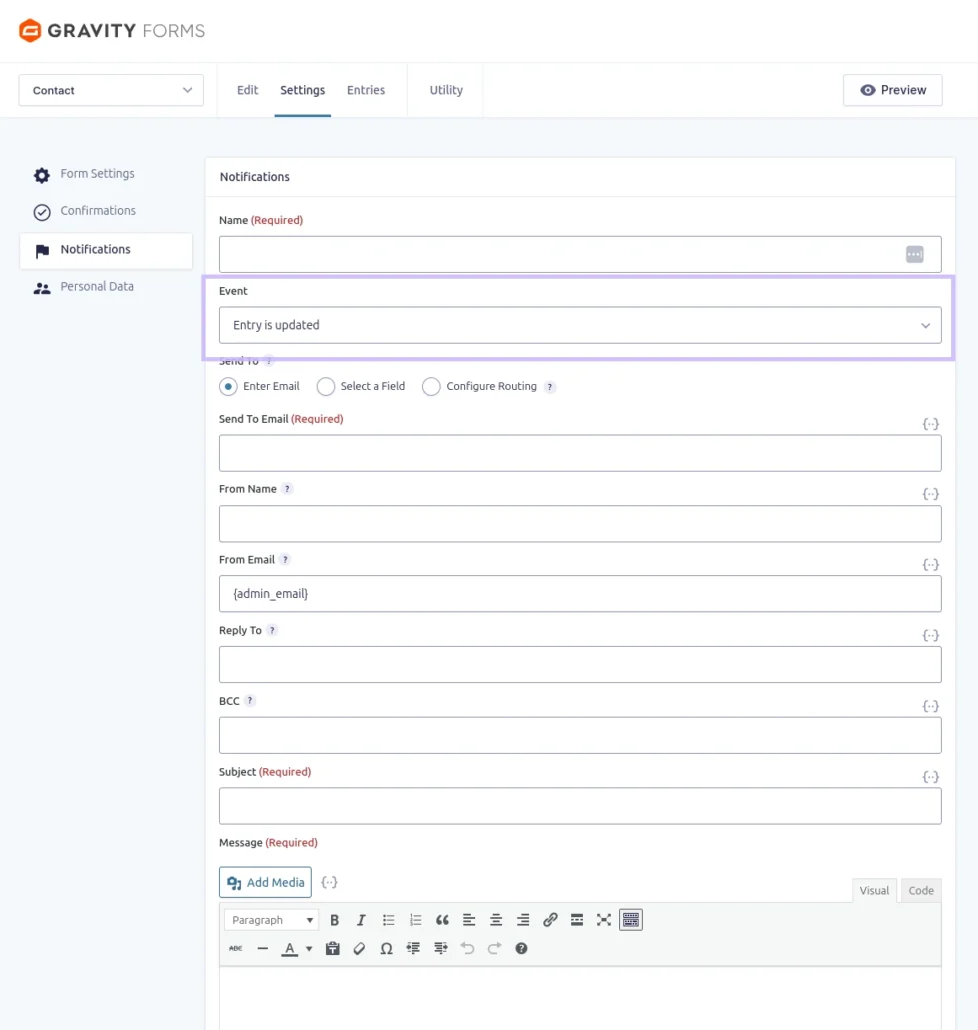
The plugin introduces the Entry is Updated event as a trigger option for notifications.
Process Feed When Entry Updated
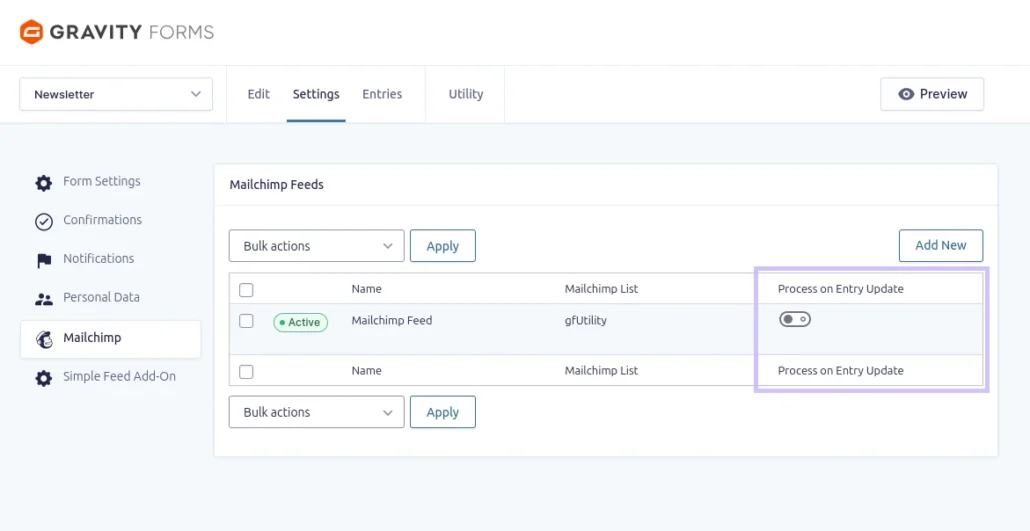
In addition to sending notifications on entry updates, the plugin also adds the option to process feeds when an entry is updated.
Manually Process Feeds
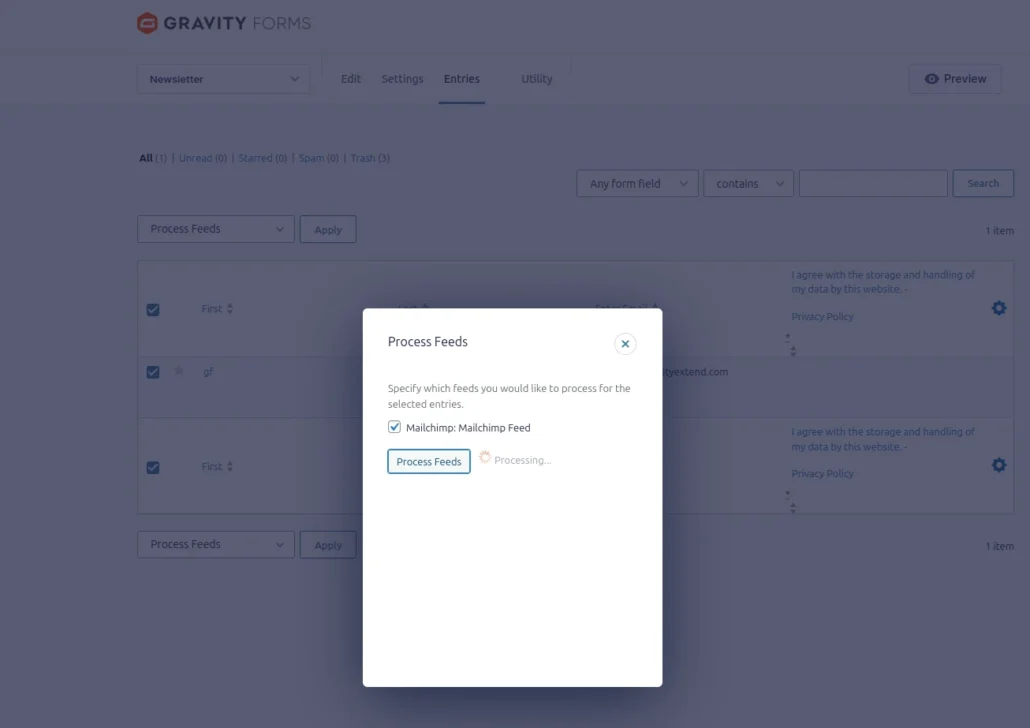
Feeds can be processed manually, for instance when a connection (think Mailchimp, Stripe) fails on form submit.
Show Feeds Connected to a Form
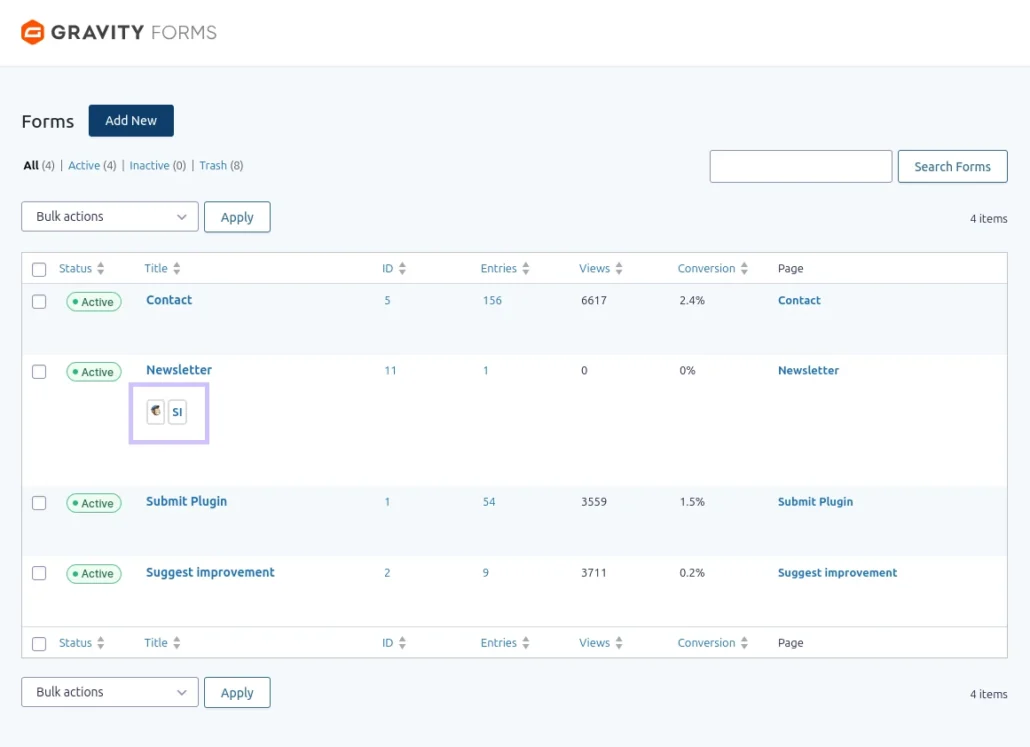
After activation of the plugin, the form listing will also add icons for connected feeds. The icons are linked to the feed provider feeds list.